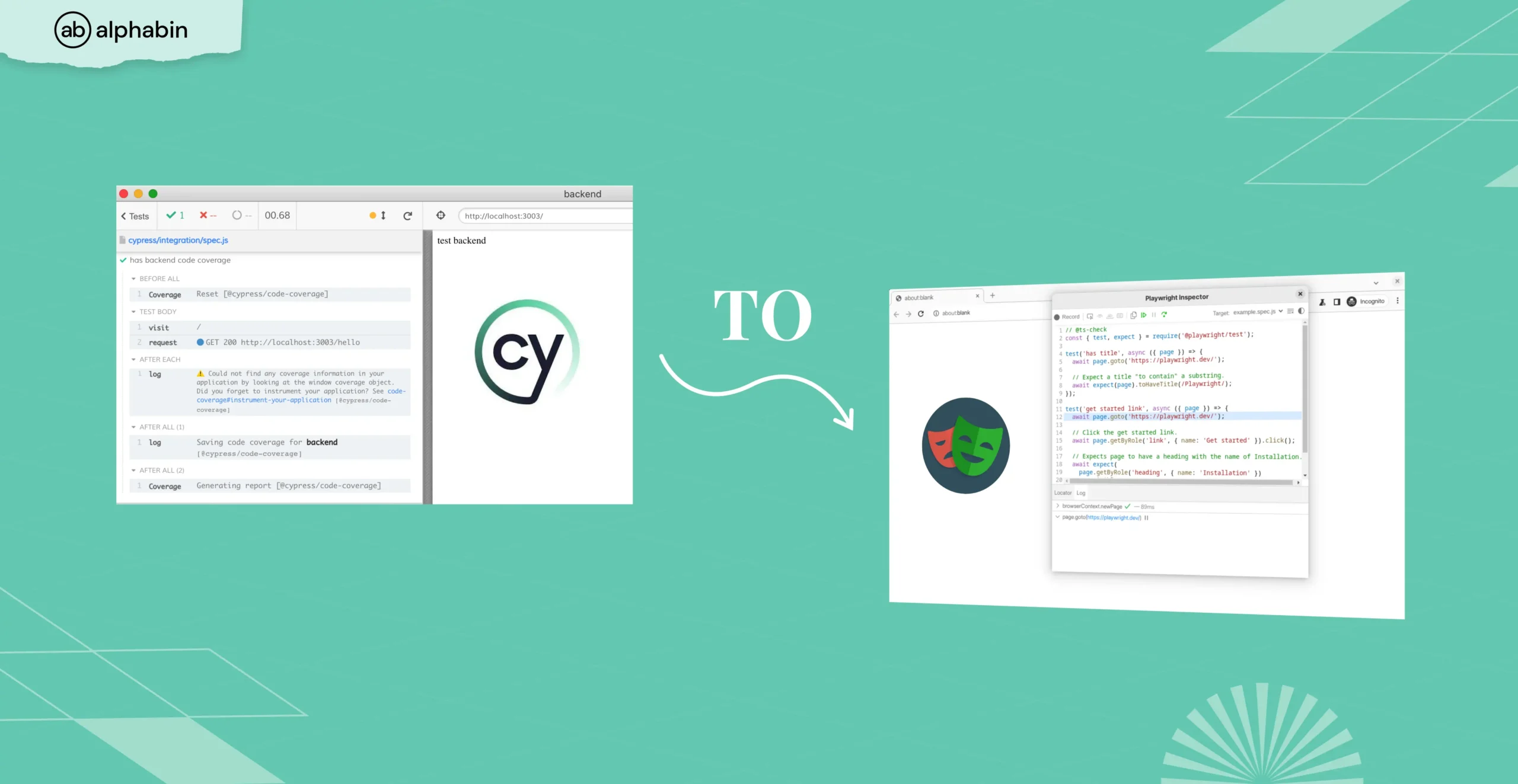
I loved working with Cypress. It was simple, fast, and great for early-stage test automation. But over time, the Cypress limitations became clear, especially with cross-browser testing and flaky intercepts.
This article shares practical insights and experiences about migrating from Cypress to Playwright.
That’s when I began exploring how to migrate from Cypress to Playwright, and the upgrade felt like stepping into a modern testing workflow.
The benefits of Playwright like auto-waiting, multiple browser support, and rich debugging were too good to ignore.
As teams scale and shift left, the need to migrate Cypress to Playwright becomes more critical. Platforms like Playwright Test Reporting offer smarter visibility into failures and test quality.
Why Are Teams Moving?
Testing shouldn’t feel like fighting your own tools. That’s exactly why so many teams are rethinking Cypress and asking: Playwright vs Cypress — which is right for us?
Cypress brought modern syntax and a smooth Developer Experience, but it falls short in cross-browser automation and tab handling.
These Cypress limitations are showstoppers for teams aiming to scale with speed.
Playwright is winning hearts with its benefits like auto-waiting, browser parity, and powerful context isolation. Teams now migrate to Playwright not just for features but for faster, more reliable pipelines.
If speed and stability matter to your release flow, tools like fast automated testing are the backbone of serious QA. And innovations like generative AI testing are making it even easier to evolve past Cypress.
Signs it’s time to migrate to Playwright
If Cypress limits your cross-browser testing, it’s time to migrate Cypress to Playwright. Playwright supports Chromium, Firefox, and WebKit out of the box.
Debugging delays in Cypress often block delivery speed. Playwright’s auto-waiting and trace viewer help reduce flakiness.
Common blockers in Cypress testing include:
- Handling downloads
- Switching tabs
- Dealing with iframes
If your CI runs are slow or flaky, it’s time to migrate to Playwright. It scales better in parallel execution and headless mode.
When comparing Cypress vs Playwright, consider which supports complex user flows better. Benefits of Playwright include faster runs and fewer retries.
Whether you’re debating Playwright vs Cypress which is right, or looking for long-term speed, a smooth migration helps future-proof your test automation.
Differences: Cypress and Playwright
| Feature | Cypress | Playwright |
| Browser Support | Only Chromium-based (Chrome, Edge) | Chromium, Firefox, WebKit (Safari-like) |
| Test Execution Speed | Slower in CI, less parallel friendly | Fast, supports parallel runs natively |
| Cross-Origin Support | Limited | Strong cross-origin testing support |
| Auto-Waiting | Manual waits often needed | Built-in auto-wait for elements |
| Network Mocking | Basic stubbing | Advanced request interception & mocking |
| CI/CD Integration | Popular tools supported | Optimized for CI/CD with trace + retries |
| Debugging Tools | DevTools and visual UI | Trace viewer, codegen, detailed logs |
| Test Coverage | Requires plugin | Built-in coverage tracking |
| Multiple Tabs / Windows | Not supported well | Full support for tabs and browser contexts |
| iFrame Support | Limited iFrame handling with workarounds | Robust iFrame handling out of the box |
| Mobile Support | No native mobile emulation; requires viewport hacks | Supports mobile emulation and device descriptors |
| Native Reporters | Cypress Cloud | Testdino |
Is Playwright Right for Your Testing Needs?
If Cypress limits your ability to test across multiple browsers, it may be time to migrate Cypress to Playwright. Playwright natively supports Chromium, Firefox, and WebKit, enabling broader test coverage out of the box.
The benefits of Playwright include stable test execution and built-in trace debugging that helps reduce flakiness. These features become critical when handling CI pipelines like those described in CI/CD integration for automation testing.
Why should I migrate and when?
If you’re struggling with browser limitations, slow feedback loops, or test flakiness, it might be the right time to Migrate Cypress to Playwright.
Teams looking to scale automation often start this transition when current test frameworks can’t handle cross-browser or parallel testing efficiently.
Knowing how to migrate from Cypress to Playwright is important, but knowing when is crucial. The shift usually begins when Cypress’s single-browser support or flake-prone tests slow down the CI/CD pipeline.
In the Cypress vs Playwright debate, Cypress wins on beginner-friendliness, but Playwright leads with flexibility, multi-browser testing, and faster execution.
The benefits of Playwright stand out especially in large-scale, cross-platform projects.
Still, the benefits of Cypress like a great developer experience and built-in retry logic might suit smaller teams. But when you’re comparing Playwright vs Cypress which is right for growing teams, Playwright gives long-term reliability and deeper automation power.
{{cta-image}}
Architecture Differences
Cypress architecture
Cypress is a front-end testing tool built specifically for the modern web. Unlike traditional testing tools, it runs directly in the browser, giving it access to both the application code and the network layer in real-time.
Cypress Test Runner executes tests inside the browser, enabling deep access to DOM events and application behavior as it runs.
Node.js Backend Process acts as a proxy between the browser and the operating system, allowing Cypress to intercept requests and control test execution.
This architecture allows faster, more consistent execution but introduces limitations with multi-tab support, cross-origin policies, and cross-browser compatibility challenges that drive many teams to migrate Cypress to Playwright.
{{blog-cta-1}}
Steps for Migration
1. Set up Playwright
# Ensure Node.js is installed
node -v
# Install Playwright
npm install -D @playwright/test
npx playwright install
<button data-testid="”login-button”"></button>
2. Create a basic Playwright test
// basic-test.spec.js
const { test, expect } = require('@playwright/test');
test('Open Google and search', async ({ page }) => {
await page.goto('https://www.google.com');
await page.locator('input[name="q"]').fill('Playwright');
await page.keyboard.press('Enter');
await expect(page).toHaveTitle(/Playwright/);
});
<button data-testid="”login-button”"></button>
3. Map Cypress commands to Playwright
| Cypress | Playwright |
|---|---|
cy.visit('https://example.com') |
await page.goto('https://example.com') |
cy.get('#username') |
page.locator('#username') |
cy.get('#username').type('abc') |
await page.locator('#username').fill('abc') |
cy.get('button').click() |
await page.locator('button').click() |
cy.contains('Login') |
page.getByText('Login') |
cy.url().should('include', 'login') |
await expect(page).toHaveURL(/login/) |
4. Handle waits and timing
Cypress (auto-waiting):
cy.get('#login').click();
<button data-testid="”login-button”"></button>
Playwright (auto-waiting, but async):
await page.locator('#login').click();
<button data-testid="”login-button”"></button>
No need for manual waits or cy.wait() unless absolutely required Playwright auto-waits intelligently for actions and elements.
5. Advanced use cases
//iframe Handling
const frame = page.frame({ name: 'my-iframe' });
await frame.locator('#submit').click();
<button data-testid="”login-button”"></button>
//File Upload
await page.setInputFiles('#upload', 'path/to/file.pdf');
<button data-testid="”login-button”"></button>
//Download Handling
const [ download ] = await Promise.all([
  page.waitForEvent('download'),
  page.click('text=Download File')
]);
await download.saveAs('./file.pdf');
<button data-testid="”login-button”"></button>
//API Testing (Bonus!)
const response = await page.request.get('https://api.example.com/users');
expect(response.status()).toBe(200);
<button data-testid="”login-button”"></button>
6. Run and debug tests
# Run Playwright test
npx playwright test basic-test.spec.js
# Run with Inspector for debugging
PWDEBUG=1 npx playwright test
<button data-testid="”login-button”"></button>
API mappings
| Action | Cypress (JavaScript) | Playwright (JavaScript) |
|---|---|---|
| Launch Browser | Handled by Cypress internally | const browser = await chromium.launch(); |
| Open URL | cy.visit('https://example.com') |
await page.goto('https://example.com'); |
| Find Element | cy.get('#myId') |
const el = page.locator('#myId'); |
| Click Element | cy.get('#btn').click() |
await page.locator('#btn').click(); |
| Type Input Text | cy.get('#input').type('Hello') |
await page.locator('#input').fill('Hello'); |
| Wait for Element | cy.get('#myId').should('be.visible') |
await page.locator('#myId').waitFor(); |
| Take Screenshot | cy.screenshot() |
await page.screenshot({ path: 'screenshot.png' }); |
| Close Browser | Handled by Cypress internally | await browser.close(); |
| Select Dropdown Option | cy.get('#dropdown').select('Option 1') |
await page.selectOption('#dropdown', 'Option 1'); |
| Get Text from Element | cy.get('#el').invoke('text') |
const text = await page.locator('#el').textContent(); |
| Check Element Visibility | cy.get('#el').should('be.visible') |
await page.locator('#el').isVisible(); |
| Hover Over Element | cy.get('#el').trigger('mouseover') |
await page.locator('#el').hover(); |
| Switch to Frame | cy.frameLoaded('#frameId') |
const frame = page.frame({ name: 'frameName' }); |
| Handle Alert / Popup | cy.on('window:alert', ...) |
page.once('dialog', dialog => dialog.accept()); |
| Upload File | cy.get('input[type=file]').selectFile('path/to/file') |
await page.setInputFiles('#upload', 'path/to/file'); |
Migrate Cypress test to a Playwright test
Example 1: Visiting a Page & Clicking a Button
//Cypress Code(javascript)
describe('Cypress Example', () => {
  it('Clicks a button', () => {
    cy.visit('https://example.com');
    cy.get('#submitButton').click();
  });
});
<button data-testid="”login-button”"></button>
//Playwright Code(javascript)
const { test, expect } = require('@playwright/test');
test('Clicks a button', async ({ page }) => {
await page.goto('https://example.com');
await page.locator('#submitButton').click();
});
<button data-testid="”login-button”"></button>
Example 2: Filling a Form Field
//Cypress Code(javascript)
describe('Form Test', () => {
  it('Fills username field', () => {
    cy.visit('https://example.com');
    cy.get('#username').type('testuser');
  });
});
<button data-testid="”login-button”"></button>
//Playwright Code(javascript)
const { test, expect } = require('@playwright/test');
test('Fills username field', async ({ page }) => {
await page.goto('https://example.com');
await page.locator('#username').fill('testuser');
});
<button data-testid="”login-button”"></button>
Example 3: Waiting for an Element to Appear
//Cypress Code(javascript)
describe('Wait for Welcome Message', () => {
  it('Should wait for element', () => {
    cy.visit('https://example.com');
    cy.get('#welcomeMessage', { timeout: 10000 }).should('be.visible');
  });
});
<button data-testid="”login-button”"></button>
//Playwright Code(javascript)
const { test, expect } = require('@playwright/test');
test('Waits for element to be visible', async ({ page }) => {
await page.goto('https://example.com');
await page.locator('#welcomeMessage').waitFor({ state: 'visible' });
});
<button data-testid="”login-button”"></button>
{{cta-image-second}}
Is Playwright Worth the Switch?
Many teams find themselves at a crossroads when Cypress starts to show cracks in scalability and reliability. That’s when they decide it’s time to migrate Cypress to Playwright.
Playwright’s native support for multiple browsers, auto-waiting, and tracing provides real benefits and it helped us eliminate countless flaky tests.
When weighing the benefits of Playwright against the benefits of Cypress, it ultimately comes down to test stability and long-term maintenance. For teams looking to migrate to Playwright, the shift can be a game-changer in CI/CD robustness and debugging speed.
1. Benefits of Playwright vs Cypress limitations
| Benefits of Playwright | Limitations of Cypress |
| Supports Chromium, Firefox, and WebKit | Only supports Chromium-based browsers officially |
| Built-in auto-wait for elements and assertions | Manual waits often needed, leading to flaky tests |
| First-class support for parallel testing and CI pipelines | Parallelization requires Dashboard service |
| Advanced network mocking and request interception | Limited stubbing and intercept control |
| Headless mode with full video and trace capture | Lacks integrated trace viewer for in-depth debugging |
| Easy handling of multiple browser contexts | Restricted to a single browser context per test run |
| Rich debugging tools like trace, debug, and codegen | Fewer built-in debugging tools |
| Cross-platform testing, including mobile web emulation | No native support for mobile web emulation |
| Test isolation by default with new browser context | Shared browser context across tests can cause flakiness |
| Ideal for enterprise-scale automation | Scalability becomes complex with larger test suites |
2. When you might keep Cypress around
Sometimes, sticking with Cypress makes sense especially when your component tests are tightly integrated and the team is small. But as apps scale and cross-browser needs grow, limitations in test flakiness and debugging start creeping in, forcing teams to consider when to migrate Cypress to Playwright.
For teams running extensive E2E pipelines or dealing with CI/CD bottlenecks, Playwright vs Cypress is no longer just a preference, it’s a strategic call. Many teams are now making the switch due to long-term benefits of Playwright like faster execution and built-in debugging.
You’ll notice the real tipping point when CI pipelines get slower, flaky intercepts grow, or test maintenance becomes a blocker. This shift is often supported by evolving CI/CD test strategies.
Conclusion
Choosing Playwright over Cypress isn’t just about preference, it’s about preparing your QA workflows for scale, speed, and long-term maintainability. We explored key differences in test reliability, cross-browser support, CI execution, and debugging clarity to show why more teams are leaning toward Playwright.
At Alphabin, we’ve supported this shift with deep Playwright integration inside our internal test automation platform. Our solution simplifies migration, accelerates test script design, and helps engineering teams automate with less friction, even across complex web apps.
When paired with Testdino, our AI-powered observability tool, QA teams gain real-time flaky test alerts, root cause clustering, and intelligent test insights. This powerful combo empowers modern automation teams to debug faster, reduce pipeline noise, and release confidently at scale.
Ready to migrate from Cypress to Playwright? contact-us to streamline your test automation with Alphabin.
FAQs
1. Why are teams migrating from Cypress to Playwright?
Teams prefer Playwright for faster execution, better cross-browser support, and more reliable auto-waiting in modern CI/CD pipelines.
2. Does Playwright support all the features Cypress offers?
Yes, and often more Playwright supports multiple tabs, iframes, and native mobile emulation, which Cypress lacks.
3. Is Playwright harder to learn than Cypress?
Not really. Playwright has a simple API and great documentation, making it beginner-friendly and easy to scale for large teams.
4. Can I use Playwright for both UI and API testing?
Absolutely. Playwright supports end-to-end testing, network mocking, and API assertions, making it a full-stack testing solution.
5. How does Playwright handle flaky tests better than Cypress?
Playwright’s auto-wait mechanism, retry logic, and test isolation reduce test brittleness and improve test reliability in CI environments.